1300 FLOORX
 FREE IN-HOME-QUOTE


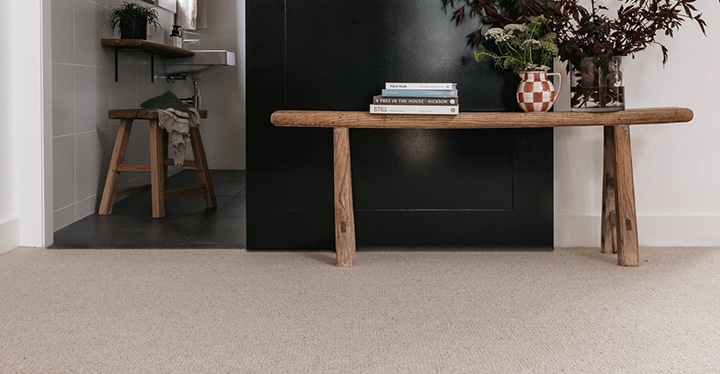
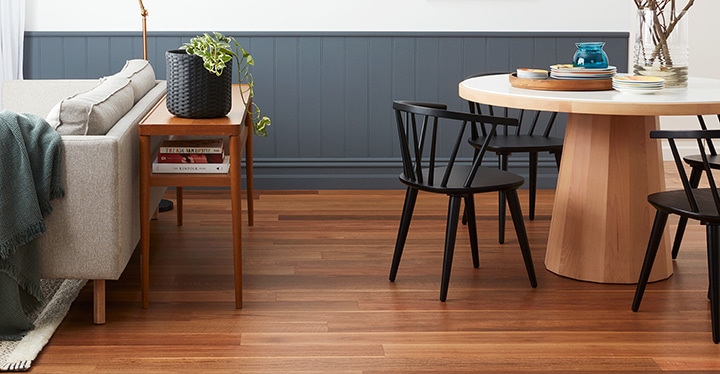


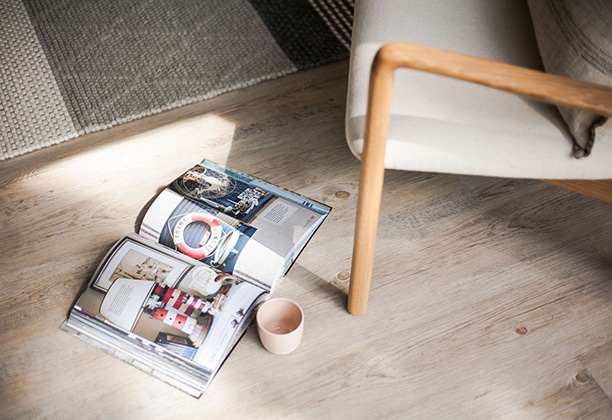
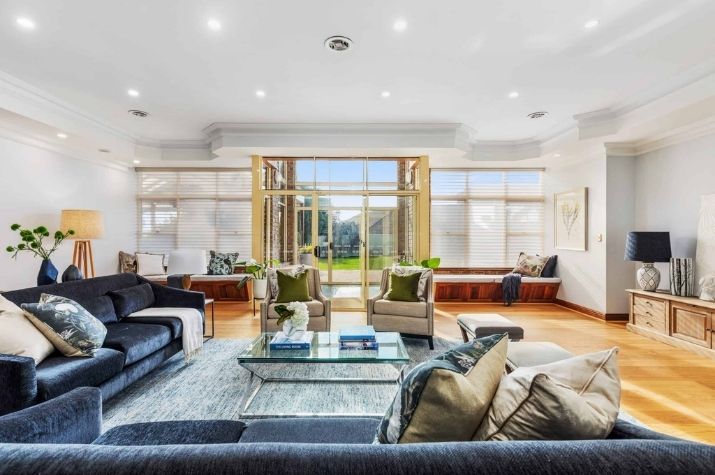


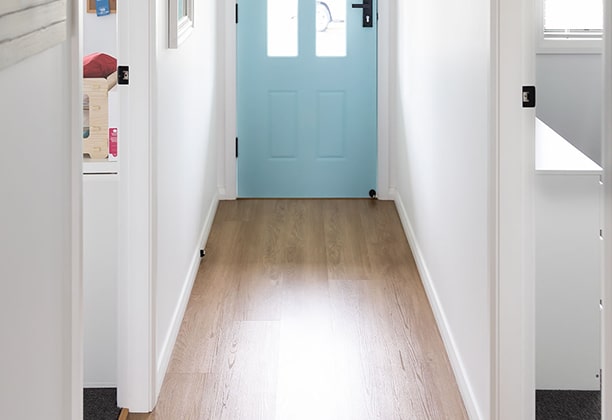







Floor Visualiser
Visualise any Flooring and Carpet
See new flooring in your room before you decide to buy. Inspiration is available in three simple steps.

1. Upload Or Take A Photo
Use your phone to snap a picture of your room or pick from one of our room examples in the app.
Tip: Ensure your room is well lit (natural lighting works best) and the flooring takes up at least 2/3 of the image.

2. Choose Your Flooring
Selected your desired flooring type from our extensive portfolio of carpets, laminate, hybrid, timber and vinyl flooring.
Tip: We also recommend viewing physical samples in your home (a perfect time for a free measure and quote with your local Flooring Xtra team!). A phone or computer screen and the room’s lighting can impact how the flooring appears.

3. View Your Room & Compare
Flooring Visualiser applies the selected product to your photo to show what your floor may look like in your room.
Tip: Take multiple photos of the room from different angles.